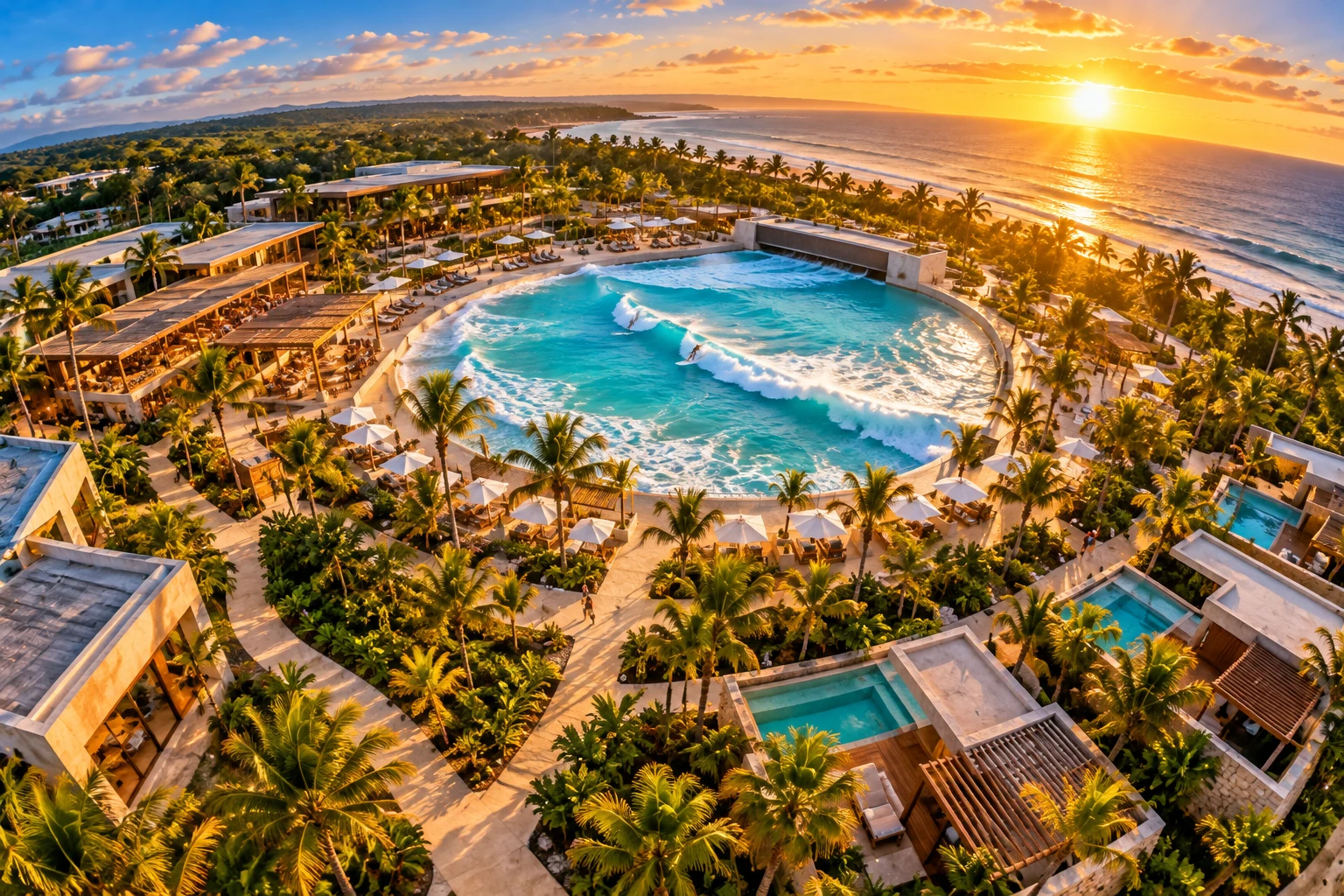
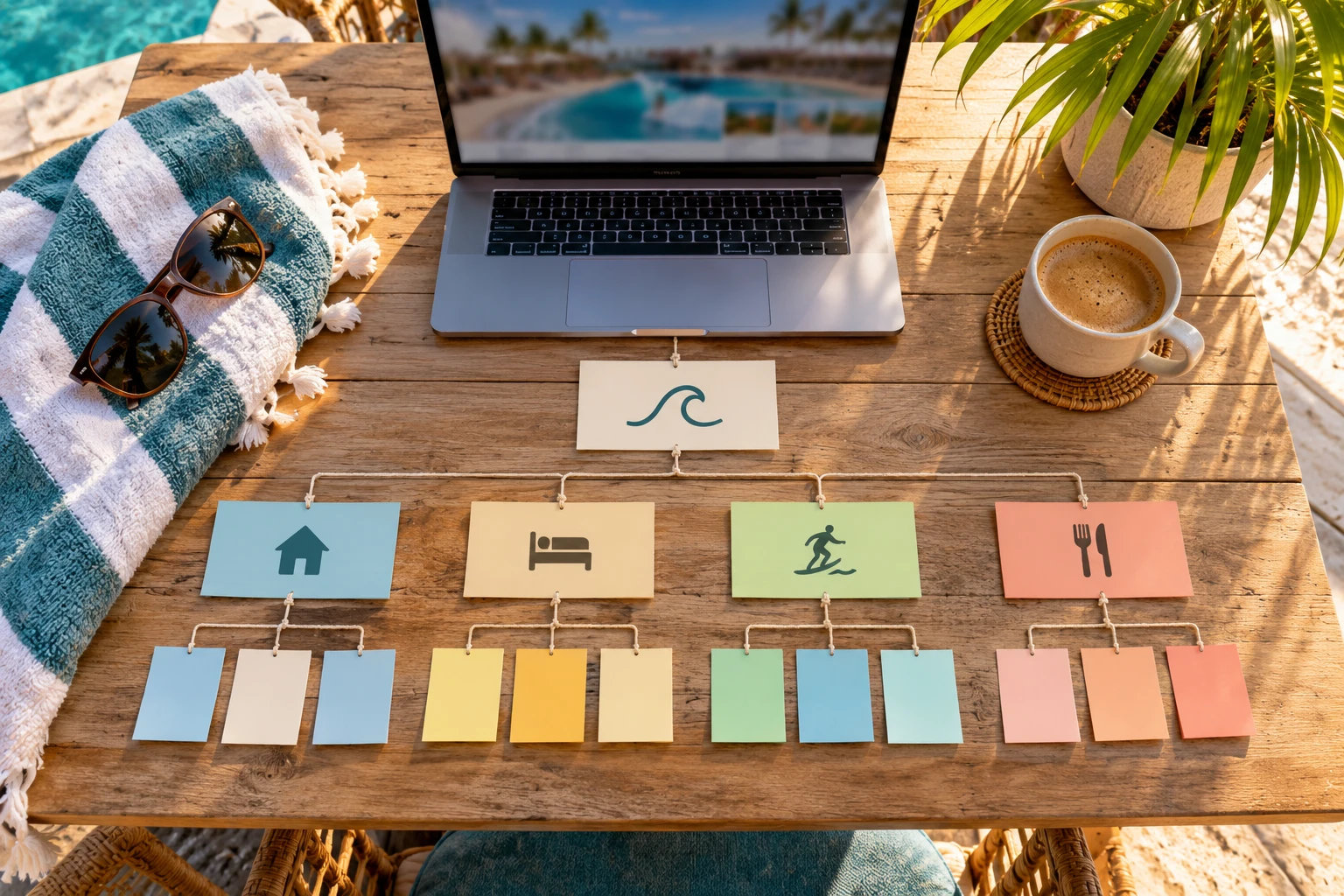
A strong surf resort website structure groups pages by what each visitor is trying to do: surf, stay, experience the destination, or live there. Each group gets its own navigation lane, its own content depth, and its own booking or inquiry path, so no visitor has to dig through unrelated pages to find what they came for.
Most resort websites treat lessons, rooms, dining, and residences as separate trips, or worse, pile them into one flat menu. Both approaches create friction, and friction costs bookings. This guide explains how to organize navigation, sitemap, and internal links around the real intent behind each visit.
What Is Surf Resort Website Structure and Why Does It Matter?
Website structure, sometimes called information architecture, is the framework that decides which pages exist, how they connect, and in what order visitors encounter them. For a multi-amenity surf resort, it is the difference between a site that guides people and a site that just exists.
A disorganized structure has real costs. When a visitor cannot find lesson pricing within two clicks, they often leave, and a page that does not satisfy visitors rarely holds its rankings. A logical, layered structure keeps visitors moving forward and signals relevance to search engines at the same time.
Structure decisions also shape everything you publish later. Getting the foundation right before adding blog posts or paid campaigns saves months of rework.
Who Visits a Surf Resort Website and What Do They Want?
A single surf destination attracts several distinct audiences, often including the same person at different stages. A useful way to organize them is the SURF → STAY → EXPERIENCE → LIVE progression:
- SURF: Beginners and experienced surfers researching waves, lessons, coaching, and gear rental.
- STAY: Families and travelers comparing room types, packages, seasonal rates, and availability.
- EXPERIENCE: Guests and group or event planners looking at dining, spa, events, and local activities.
- LIVE: Buyers and investors researching on-site residences, ownership models, and community amenities.
Each lane needs its own sub-navigation and its own next step. A beginner wants a booking form. An investor wants an inquiry path to the sales team. Mixing those calls to action on the same page confuses both.
What Pages Should a Surf Resort Sitemap Include?
A complete sitemap for a multi-amenity surf destination often runs 40 to 80 indexed pages, organized under four primary pillars. A practical starting list looks like this:
SURF pillar
- Wave pool or surf break overview
- Lesson tiers (beginner, intermediate, private, group)
- Surf coaching and progression programs
- Equipment rental
- Safety information and requirements
STAY pillar
- Room and suite types
- Packages, including surf and stay bundles
- Seasonal rates and availability
EXPERIENCE pillar
- Dining
- Spa and wellness
- Events and activity calendar
- Local activities and area guide
LIVE pillar
- Residences and floor plans
- Ownership models
- Community amenities
- Buyer inquiry page
A clean XML sitemap that reflects this hierarchy also helps search engines crawl and index every page, which you can monitor in Google Search Console. For the lesson pages specifically, this breakdown of what makes a lesson page convert covers the on-page details.
How Should Navigation Work on a Multi-Amenity Resort Site?
Group related content under clear parent pages so visitors never wonder where to look next. Each pillar becomes a top-level menu item, with consistent sub-navigation beneath it.
The alternative, where lessons, spa packages, condo ownership, and restaurant hours all sit at the same menu level, overwhelms visitors. As a working rule, keep every booking path within about three clicks of the homepage. Map those click paths before any page goes live, and test each one end to end.
A few navigation rules that hold up well:
- Keep top-level menu items to the four pillars plus a clear booking button.
- Use the same sub-navigation pattern in every pillar.
- Give the homepage a featured path for your most common visitor, often beginners or families.
How Do Internal Links Create Booking Pathways?
Internal links should reinforce each step of a visitor’s decision. Someone reading about your wave pool should find a contextual link to lesson options. Someone comparing room types should find a link to the package that bundles a lesson with a two-night stay.
These links do two jobs. They guide visitors toward a booking, and they pass page authority through the site. The best approach is to plan an internal linking map before content is written, so each page is designed with its incoming and outgoing links already decided. Intentional linking also keeps visitors on site longer.
Cross-pillar links matter most. A surfer booking a lesson is a natural candidate for a stay, and a family on a long stay may become a future residential buyer.
Example: Restructuring the SURF Section for Beginners
One coastal surf resort that worked with Ohana had beginner pages with high entry traffic but very low engagement. Visitors arrived looking for lesson information and gear rental and could not find either quickly.
The fix was structural. The SURF section got a dedicated beginner sub-navigation with a simplified lesson overview, a gear rental FAQ, and a single-step booking form above the fold, linked directly from a featured homepage call to action. That sub-navigation then linked outward to accommodations and local experiences, so a beginner booking a lesson could naturally extend the trip. Exit rates on those beginner pages fell significantly after launch.
How Do You Build and Maintain the Structure Over Time?
Any resort team can follow a simple five-stage process:
- Audit the current site. Review page performance, crawl errors, and navigation drop-off points in Google Search Console.
- Draft a content hierarchy around the SURF, STAY, EXPERIENCE, LIVE journey, using the real queries your audience searches.
- Build the sitemap and internal linking blueprint before writing or redesigning pages.
- Launch and test each pillar’s booking pathway end to end.
- Review monthly and refine as search language changes.
That last step matters because surf park and surf resort search terminology is still maturing. Clear structure also makes your content easier for AI tools to read, which this explainer on answer engine visibility for resorts covers in more depth.
Frequently Asked Questions
Should residential sales pages live on the resort website or a separate site?
Keeping them on the same site as a dedicated LIVE pillar lets guests discover ownership naturally after a stay. The key is giving that section its own navigation and inquiry path so it does not compete with booking pages. Separate sites can work, but they break the connected journey.
How often should a resort revisit its site structure?
Review performance monthly and make structural changes when the data shows visitors getting stuck. New amenities, seasonal offerings, or shifts in how people search for surf destinations are all good triggers for an update.
Does a bigger sitemap always mean better rankings?
No. More pages only help when each one answers a distinct search and fits clearly into the hierarchy. Thin or duplicate pages can dilute the site and confuse visitors.
Key Takeaways
- Organize your site around visitor intent: surf, stay, experience, and live.
- Give each pillar its own sub-navigation and its own booking or inquiry path.
- Keep the path to booking within about three clicks of the homepage.
- Plan internal links before writing content, especially links between pillars.
- Review structure monthly and refine it wherever visitors get stuck.
A clear surf resort website structure is the foundation everything else on a resort site depends on. If you want to see how that planning turns into a working site, Ohana’s approach to building and managing surf destination websites is a good next read, and the team behind it is based on Florida’s Space Coast.